Three steps to autopilot
Set up once. Gigabot watches, detects, and executes — around the clock.
Get startedConnect your wallet & fund your bot
Use Phantom or Solflare to sign in with SIWS (Sign-In With Solana). This proves wallet ownership — we never see your private key. Gigabot then generates you a dedicated bot wallet. Deposit SOL into it to cover trades and gas fees.
Add wallets to mirror
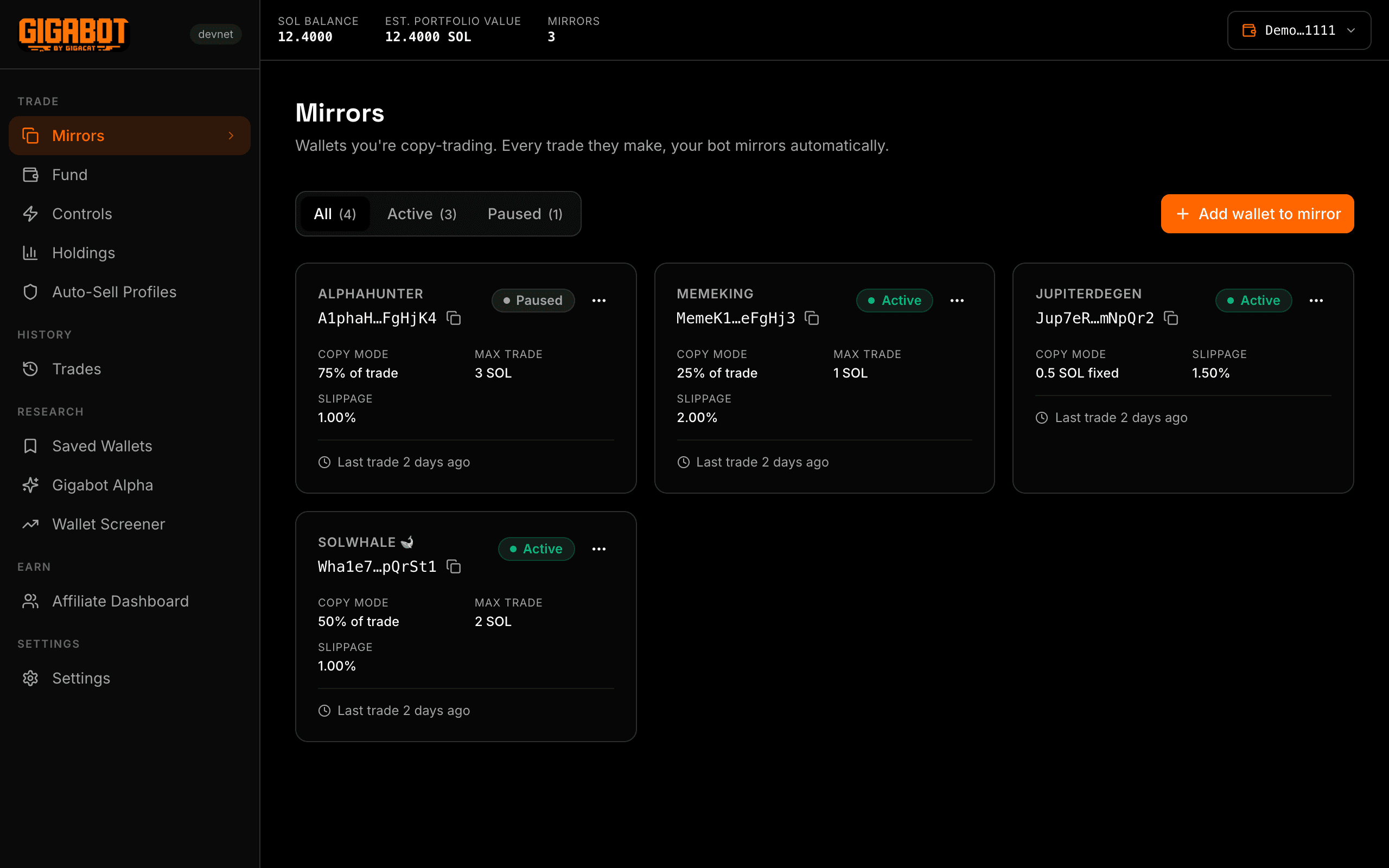
Paste any Solana wallet address you want to copy, or browse the Gigabot Alpha leaderboard for curated high-performance traders. Set per-mirror options: max trade size in SOL, slippage tolerance, and enable/disable toggle.
Gigabot copies every trade automatically
Gigabot polls your mirrored wallets via Helius Enhanced Transactions. When it detects a Jupiter swap, it classifies the trade (token in / token out / size), applies your sizing rules, and executes the same trade through Jupiter v6 in your bot wallet — all in real time.
Common questions
What exactly gets copied?
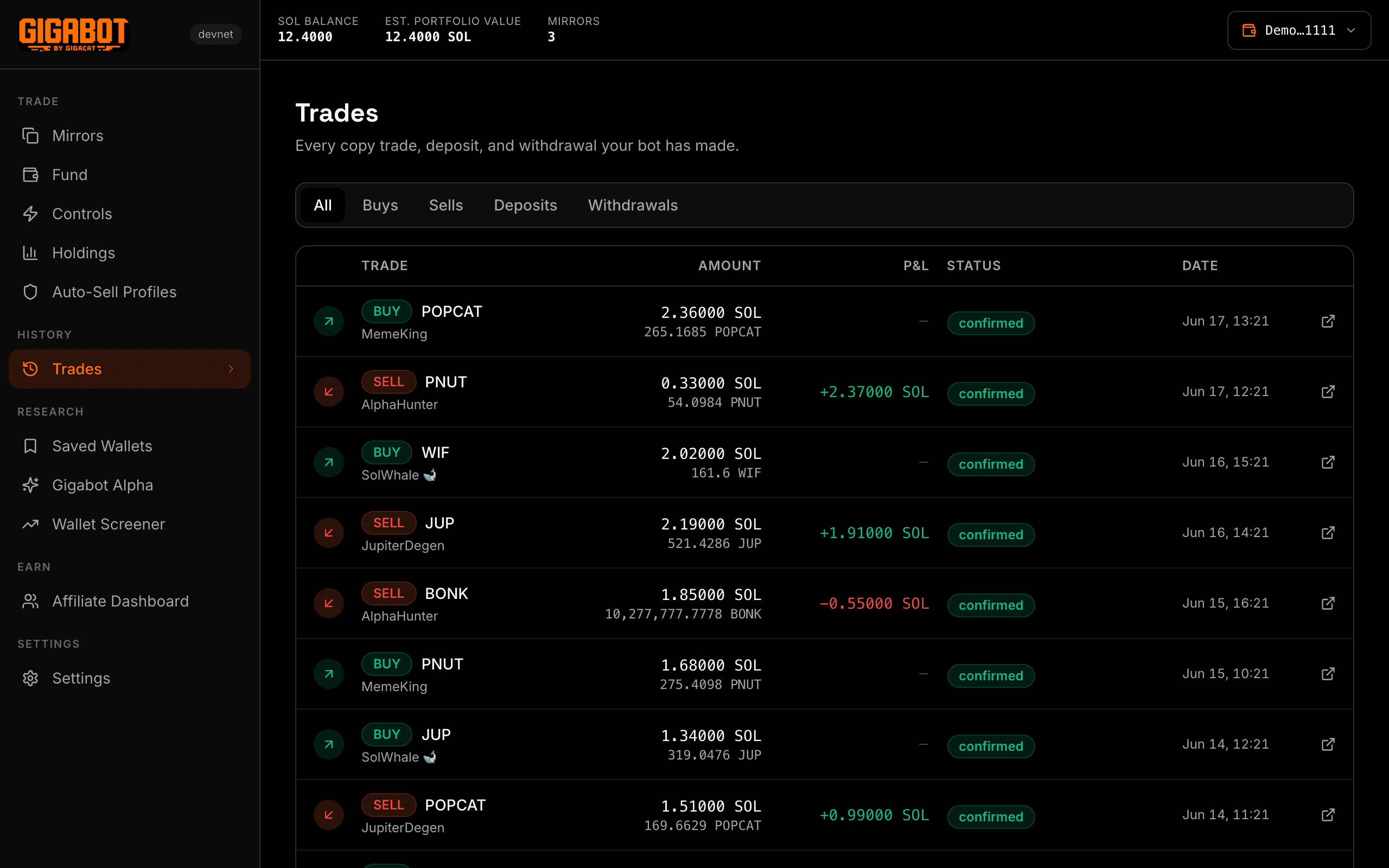
Jupiter swaps only — token buys and sells. Deposits, withdrawals, NFT mints, and other transactions are ignored.
How is trade size determined?
You choose: either a fixed SOL amount per trade, or a percentage of your bot wallet balance. The mirrored wallet's size does not affect yours.
What if the bot wallet runs out of SOL?
Gigabot skips any trade where the bot wallet has insufficient balance. You'll see a skipped entry in your trade log. Top up and trading resumes automatically.
Are stablecoins copied?
No. USDC, USDT, and other known stables/wrapped assets are filtered out of copy execution.
Does it work 24/7?
Yes, as long as the Vercel cron job runs. On the Hobby plan, polling is once daily (mainnet Pro users will get per-minute polling).

Start copy trading in seconds.
Connect your Phantom or Solflare wallet — no account needed.